


Law firms need document management software that can securely store client files, organise legal documents, control access, and support collaboration across matters. The best option depends on whether a firm needs a full legal document management system, a secure client portal, case collaboration tools, or simple cloud-based file storage.
The table below compares leading document management software for law firms by best use case, client portal availability, and ideal firm size.
Popular Document Management Features to Look For
When comparing document management software for law firms, the most important features are the ones that help teams organise legal documents, control access, collaborate securely, and maintain a reliable record of document activity.
A strong legal document management system should include:
- Secure file sharing — helps firms share legal documents with clients, co-counsel, and internal teams without relying on email attachments.
- Client portal — gives clients a secure place to upload, download, and review documents related to their matter.
- Document management — centralises files in one organised workspace so legal teams can store, access, and manage matter-related documents more efficiently.
- Permission controls — restrict access by user, group, client, or workspace so confidential documents are only visible to authorised people.
- Version control — helps teams track document changes and avoid confusion caused by duplicate or outdated file versions.
- Audit trail — records activity such as uploads, downloads, edits, and views, which helps firms maintain accountability around sensitive legal files.
- Task management allows teams to assign document-related actions, track follow-ups, and manage work connected to files or matters.
- Mobile access — lets lawyers, staff, and clients access important documents securely from outside the office.
Suggested link:/features/mobile-apps
1. Clinked — Best for Secure Client Portals and Document Collaboration
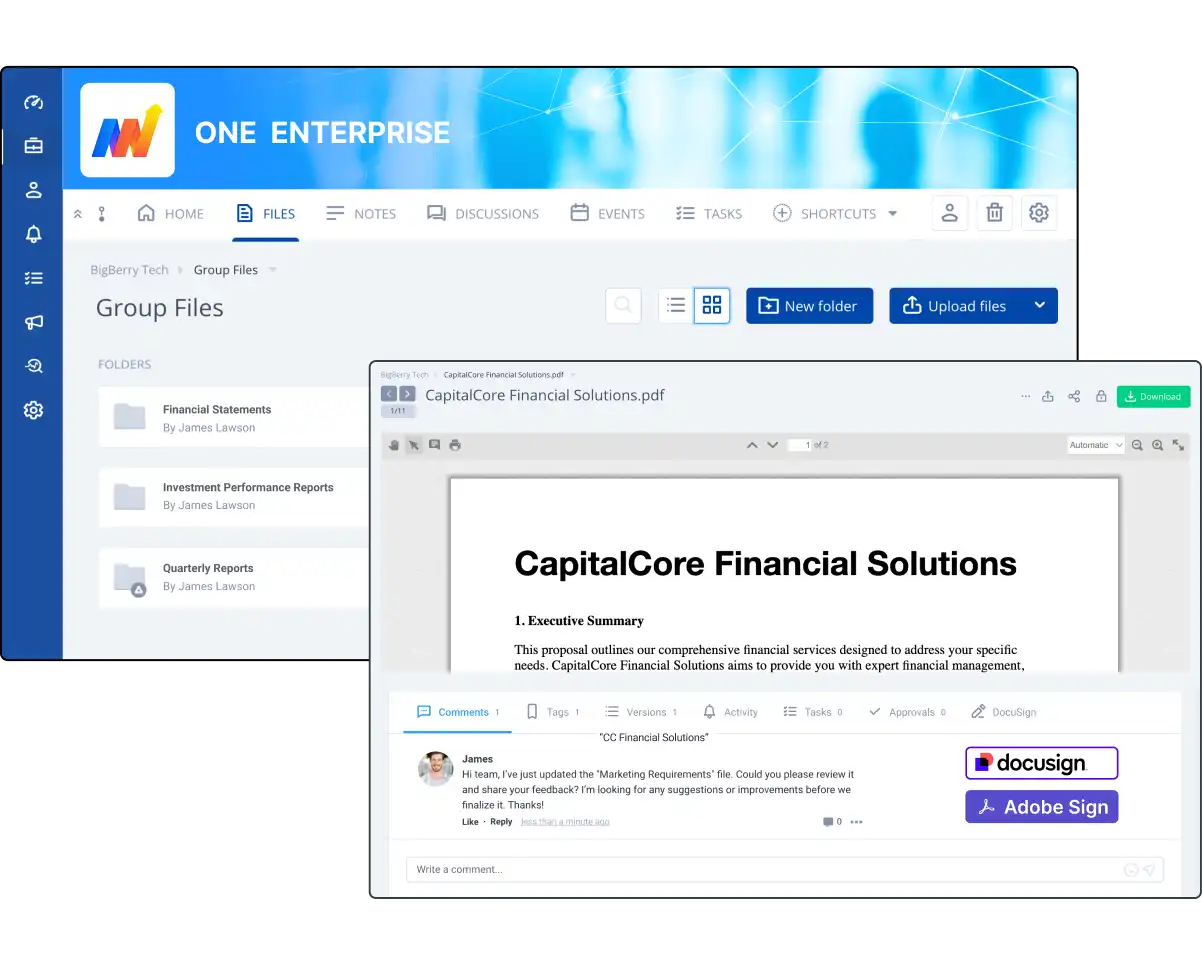
Clinked is a secure client portal and document management platform that helps law firms create dedicated workspaces for each client, matter, or case. Instead of managing legal documents across email threads, shared drives, and separate communication tools, firms can keep files, messages, tasks, and client collaboration in one secure portal.
For law firms that need more than standard document storage, Clinked can also support custom portal requests. This allows firms to build a portal experience around the features, workflows, branding, and access controls they need.
Why it works for law firms:
- Create separate client portals for each matter, keeping documents organised by case rather than scattered across inboxes or folders
- Set permission levels per user, so clients only see their own files and internal team members access the right workspaces
- Share, request, and manage documents securely without relying on email attachments
- Track document activity with a full audit trail showing who accessed, downloaded, uploaded, or edited files
- Use white-label branding so clients interact with your firm’s name and portal experience
- Request a custom portal setup to support specific legal workflows, features, integrations, or client-facing requirements
Key features: Secure file sharing, client workspaces, permission controls, document storage, team collaboration, task management, branded portals, mobile access, audit trails, custom portal options.
Best for: Small and mid-sized law firms, boutique firms, legal consultants, and client-facing legal teams that need secure document collaboration and a professional client portal.
Potential limitation: Clinked is not a traditional all-in-one practice management suite. However, firms that need a more tailored setup can request a custom portal designed around the specific features and workflows they want.
2. NetDocuments — Best for Legal Document Management at Scale
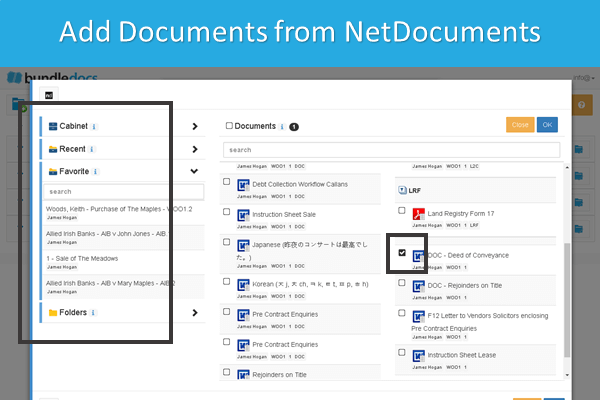
NetDocuments is purpose-built for law firms and legal departments, with matter-centric document organisation, advanced search, and legal-specific governance features. It is widely used by mid-sized to large firms.
Key features: Matter-centric storage, version control, advanced search, compliance tools, integration with legal workflows
Best for: Mid-sized to enterprise law firms with high document volume and complex governance needs
Potential limitation: NetDocuments is typically better suited to mid-sized and enterprise firms, so smaller law firms may find it more complex or costly than they need if their main priority is simple client document sharing.
3. Clio — Best for Small Firms Wanting Practice Management and Documents Together
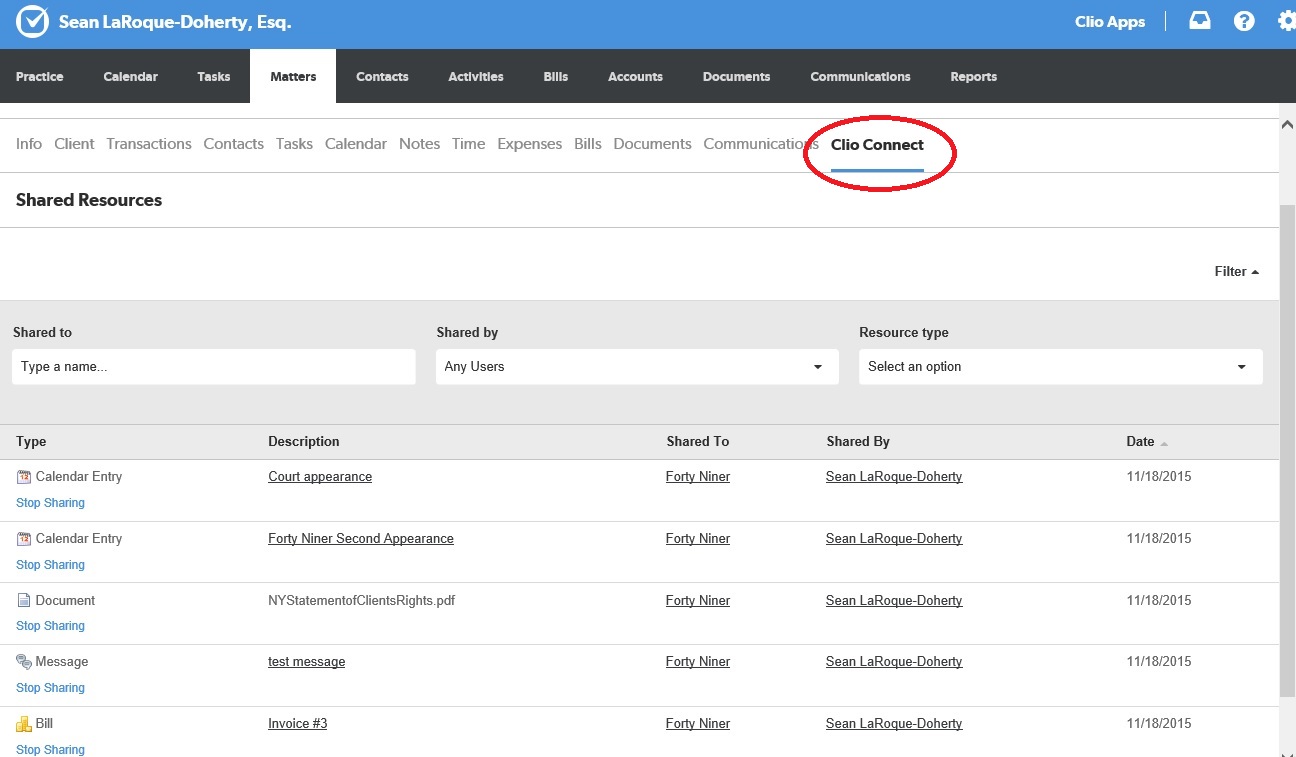
Clio combines case management, time tracking, billing, and document storage in one platform. For small law firms that want a single tool to run their practice, Clio is one of the most complete options available.
Key features: Case files, document storage, e-signatures, client communication portal, billing, time tracking
Best for: Small law firms looking for an all-in-one practice management tool
Potential limitation: Clio is strong as an all-in-one practice management platform, but firms that need a more customised client portal or branded document collaboration experience may find it less flexible than a dedicated portal solution.
4. MyCase — Best for Small Law Firms Needing Case and Document Tools Together
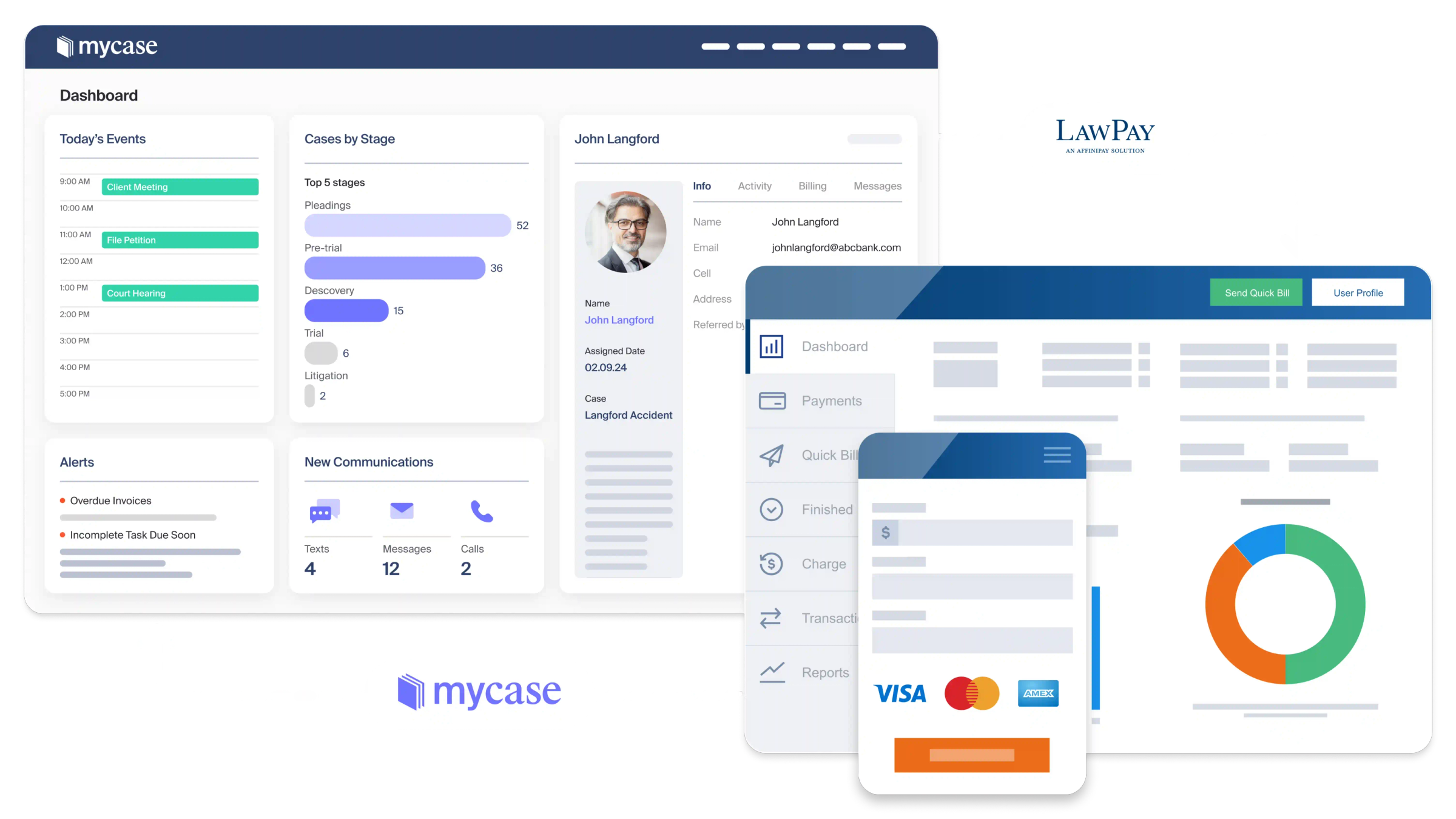
MyCase provides case management, client communication, document storage, and invoicing in a single platform. It is built specifically for small law firms and solo practitioners.
Key features: Document storage, client portal, case management, billing, secure messaging
Best for: Solo practitioners and small law firms
Potential limitation: MyCase works well for small-firm case management, but firms with more advanced document governance, custom portal, or enterprise collaboration needs may outgrow its document management features.
5. iManage — Best for Enterprise Legal Document Management
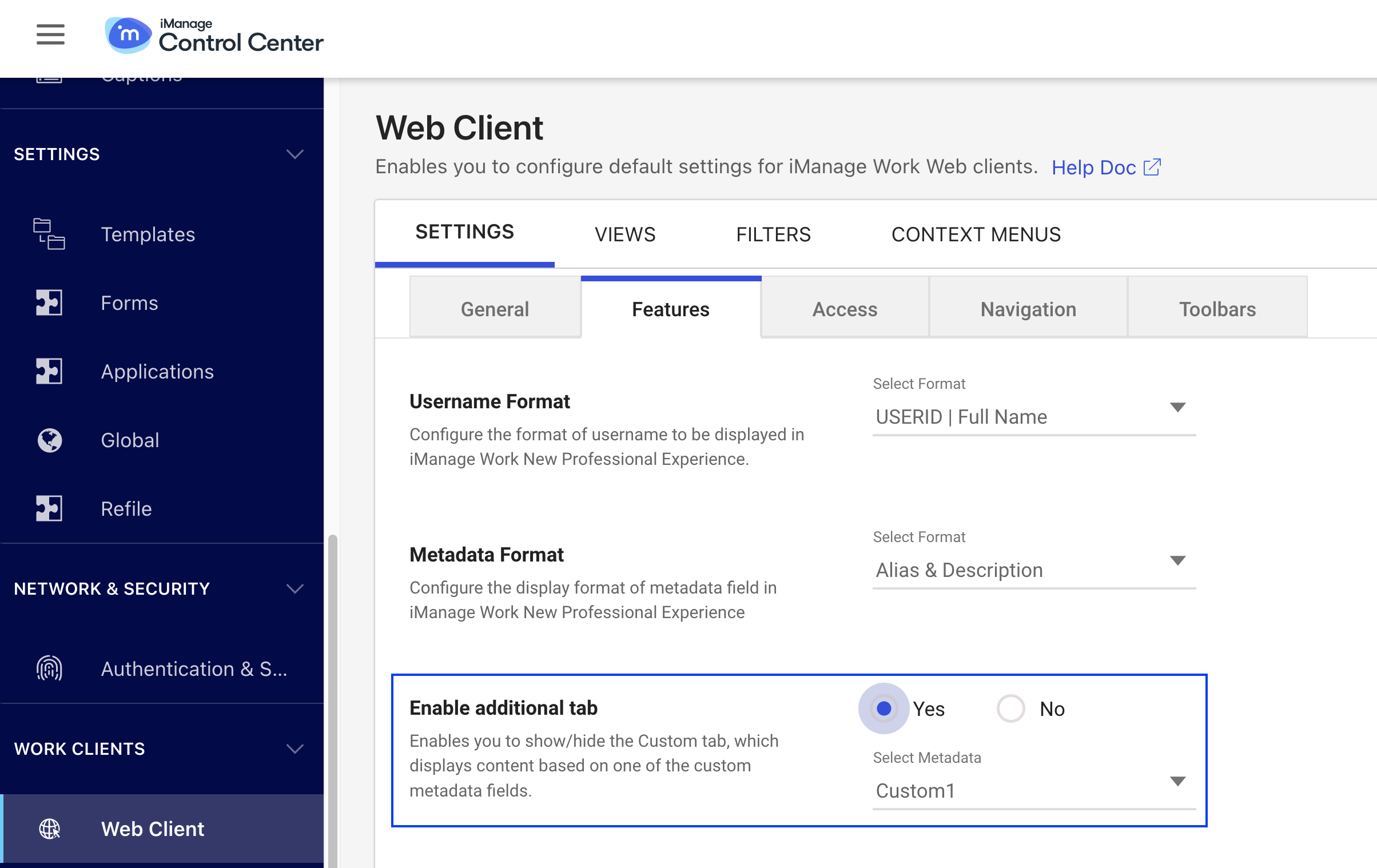
iManage is a leading enterprise-grade legal document management system used by large law firms and corporate legal departments. It offers advanced security, knowledge management, and AI-assisted search.
Key features: Advanced document governance, AI-powered search, enterprise security, email management, knowledge management
Best for: Large law firms and in-house legal teams with complex document and compliance requirements.
Potential limitation: iManage is built for large, complex legal environments, so implementation, administration, and cost may be too heavy for smaller firms that need a simpler document-sharing workflow.
6. SmartVault — Best for Secure Document Storage and Client File Sharing
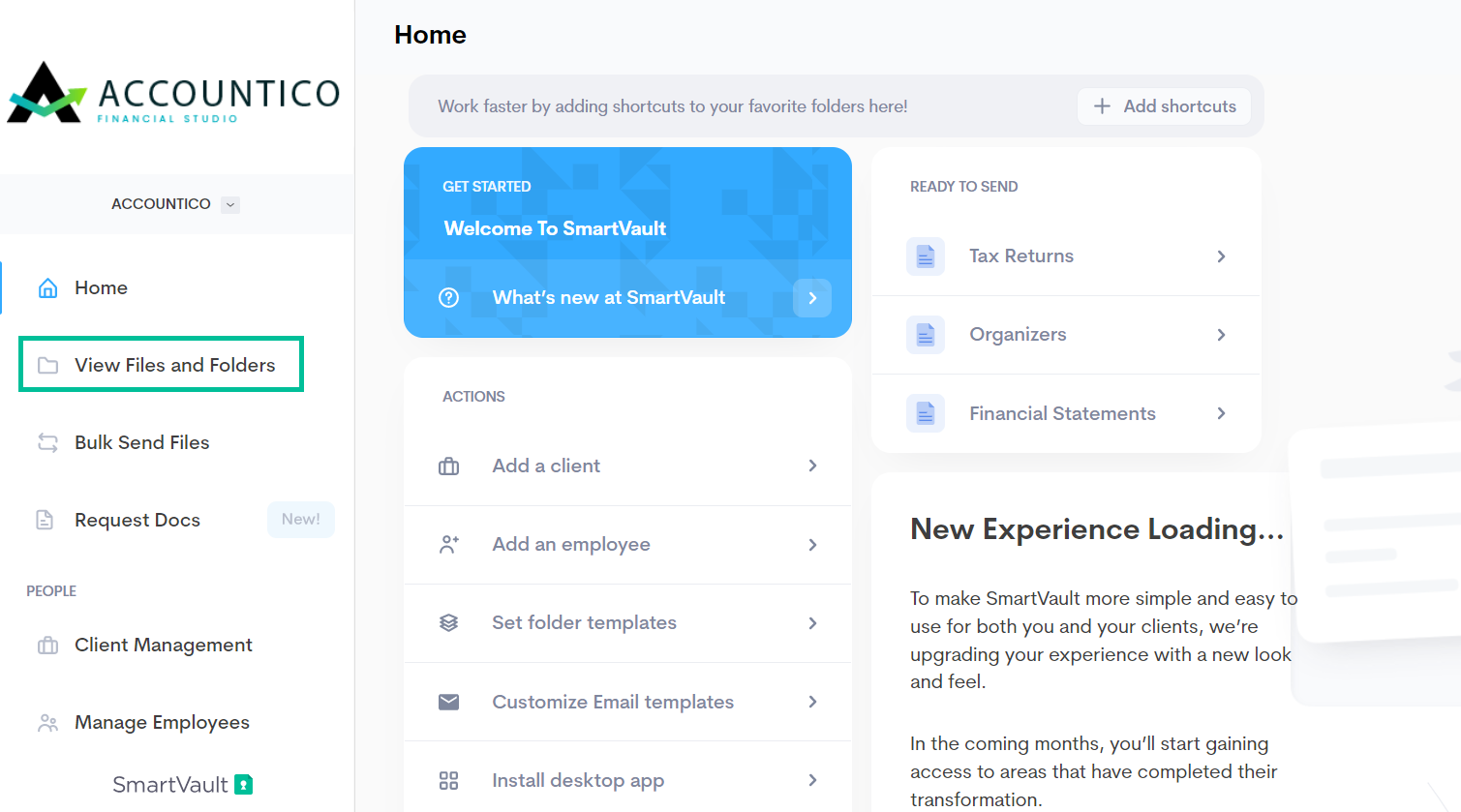
SmartVault provides cloud-based document storage with a client-facing portal for secure file exchange. It is widely used by professional services firms, including legal practices that handle sensitive client documents.
Key features: Secure cloud storage, client file sharing portal, permission controls, document requests
Best for: Small law firms and professional services firms focused on secure file exchange
Potential limitation: SmartVault is useful for secure file storage and client exchange, but it may not offer the same level of custom client portal branding, matter collaboration, or legal workflow flexibility as more tailored platforms.
7. FileCenter — Best for Document Scanning and Local File Organisation
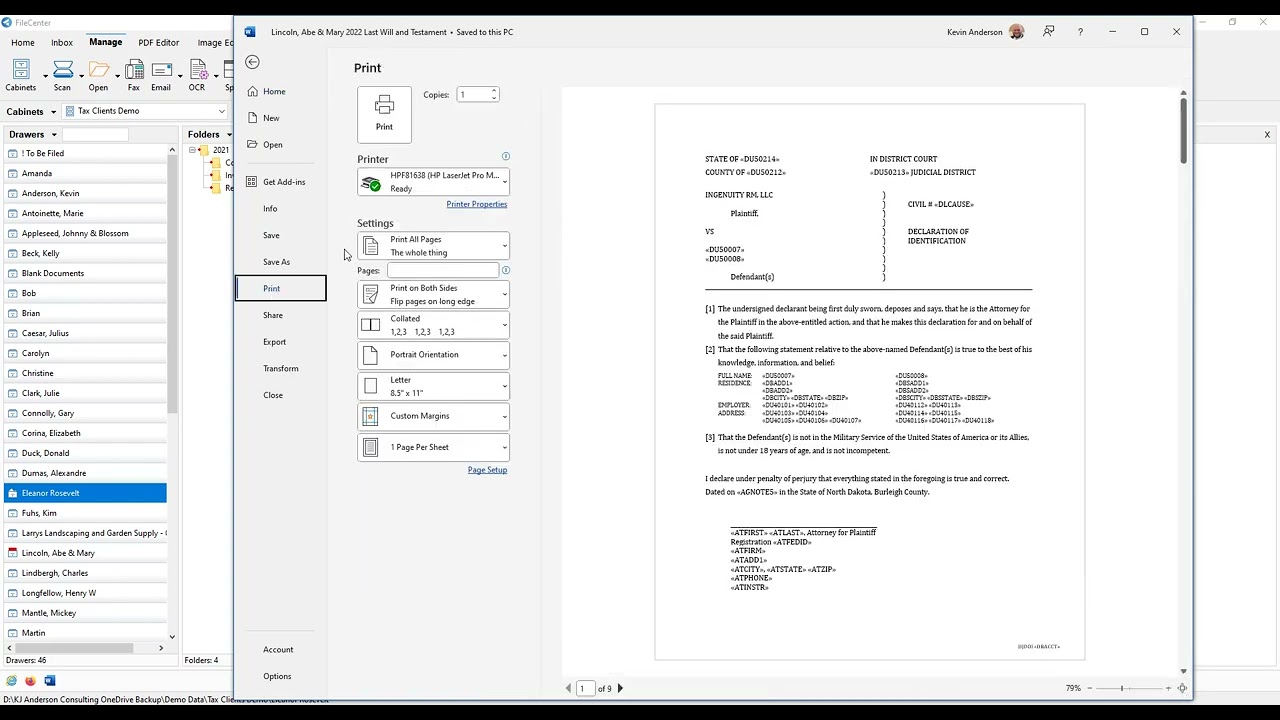
FileCenter is a desktop-based document management tool focused on scanning, OCR, and organising paper documents into digital files. It is suited for firms transitioning from paper-heavy workflows.
Key features: OCR scanning, PDF management, file naming automation, local and cloud storage options
Best for: Solo practitioners and small firms digitalising paper document workflows
Potential limitation: FileCenter is strongest for scanning and file organisation, but it is not ideal for firms that need a modern client portal, secure external collaboration, or cloud-first matter workspaces.
8. Worldox — Best for Traditional Law Firm Document Management
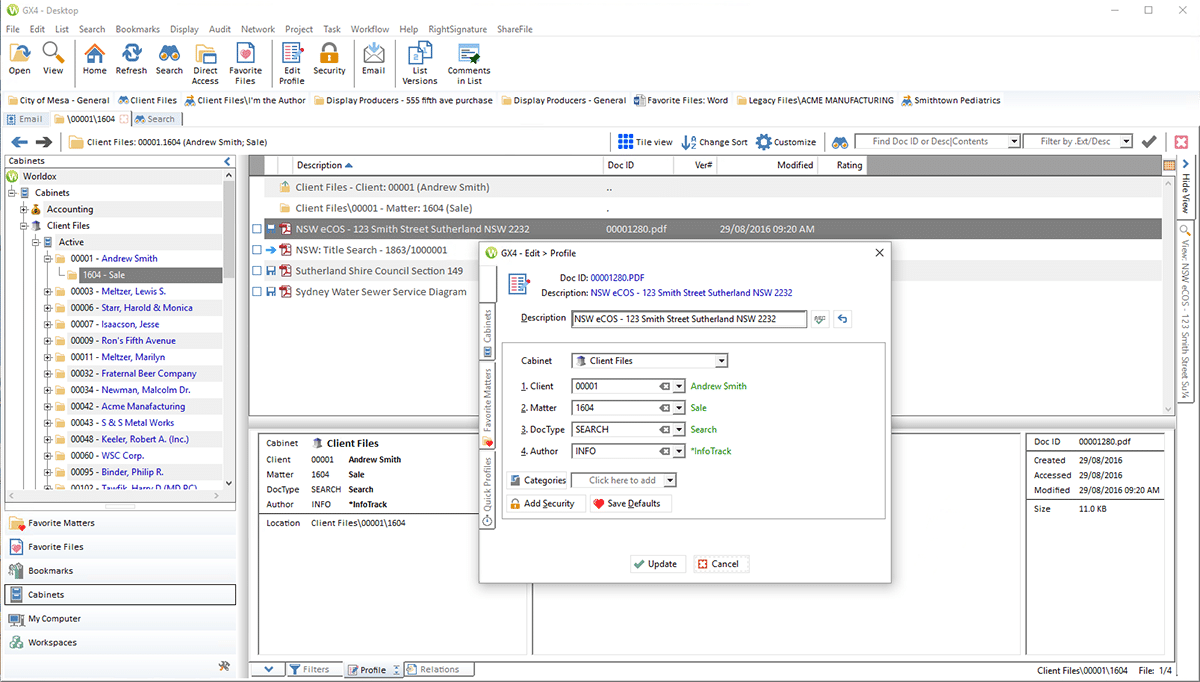
Worldox is a long-established legal document management system that organises files by matter and provides fast search across large document libraries. It is common in firms with established on-premise IT infrastructure.
Key features: Matter-based file organisation, document profiling, fast search, version control
Best for: Established law firms with on-premise infrastructure and traditional DMS needs
Potential limitation: Worldox can suit firms with traditional DMS needs, but its setup and user experience may feel less modern than cloud-first platforms built for client collaboration and remote access.
9. Microsoft SharePoint — Best for Firms Already Using Microsoft 365
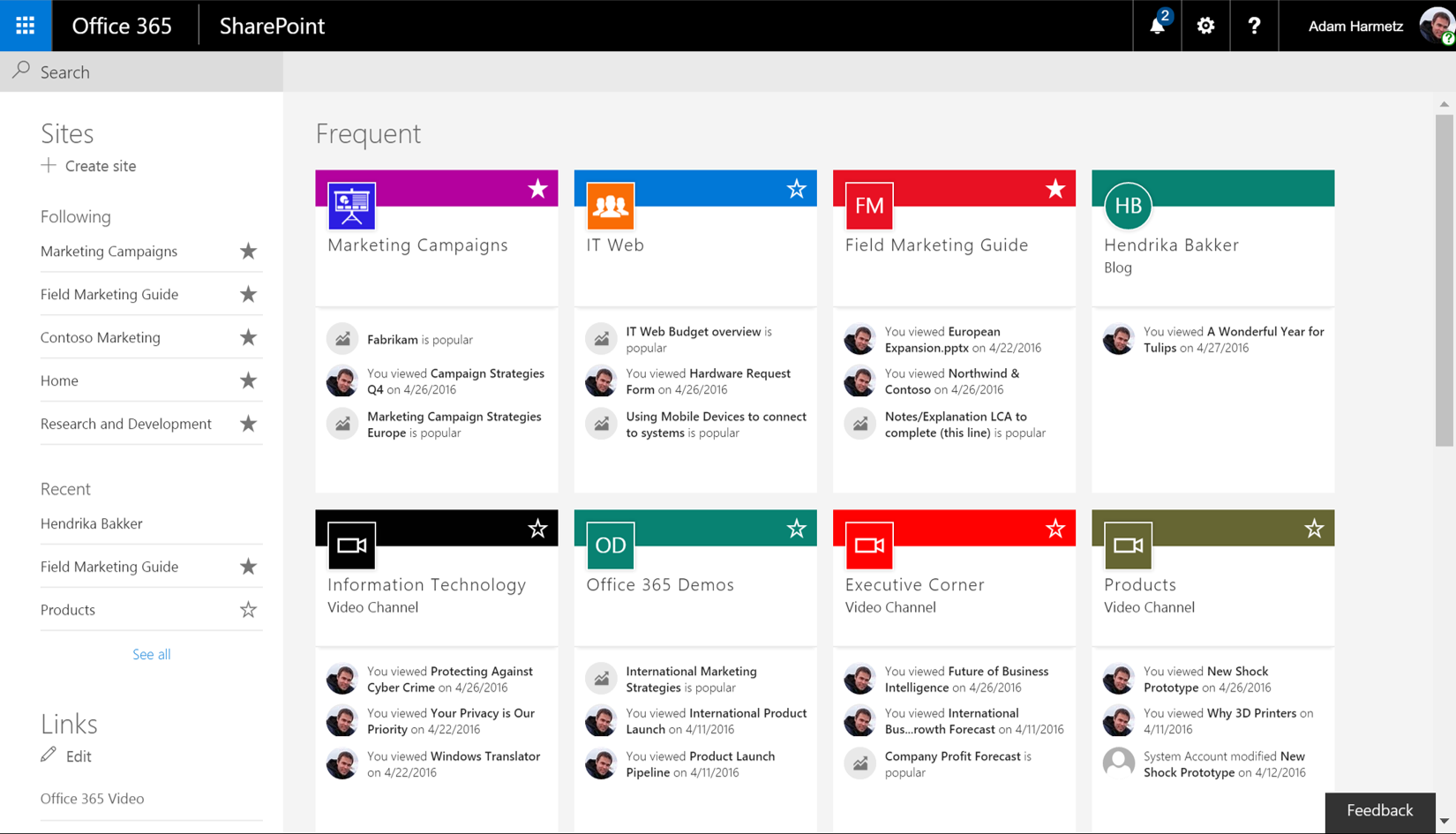
SharePoint can be configured as a document management system for law firms already invested in the Microsoft 365 ecosystem. It requires setup and ongoing administration but offers deep integration with Word, Outlook, and Teams.
Key features: File libraries, permission controls, version history, Microsoft 365 integration, collaborative editing
Best for: Law firms with IT resources and an existing Microsoft 365 environment
Limitation: SharePoint is not a legal-specific tool. Setting up matter-based organisation, permissions, and compliance features requires significant configuration.
10. Dropbox Business — Best for Basic Cloud File Storage

Dropbox Business provides cloud file synchronisation and sharing with folder-level permissions. It is not built for legal workflows, but works as a basic file storage solution for firms with minimal document management needs.
Key features: File sync, folder sharing, permissions, version history (limited)
Best for: Small firms or sole practitioners with basic cloud storage needs and no requirement for client portals or legal-specific governance
Limitation: No dedicated legal client portal, no matter-based organisation, and limited audit trail functionality.
How to Choose the Best Document Management Software for Your Law Firm
The right choice depends on four factors:
1. Do your clients need direct access to their files?
If yes, prioritise tools with a dedicated client portal
Clinked, Clio, MyCase, and SmartVault all include this. SharePoint and Dropbox can be configured for file sharing but do not offer a purpose-built legal client experience.
2. Do you need practice management features alongside document management?
If billing, time tracking, and case management matter, Clio or MyCase bundle these together. If you need document management only or want to keep tools separate — Clinked, NetDocuments, or SmartVault are cleaner fits.
3. What is your firm size?
Solo and small firms typically need simple, low-overhead tools: Clio, Clinked, MyCase, or SmartVault. Mid-sized firms benefit from more governance features: NetDocuments or Clinked. Large firms and enterprise legal departments often require iManage or NetDocuments.
4. How important is security and compliance?
All firms handling client data need encryption, access controls, and audit logs.
Clinked, NetDocuments, and iManage offer the strongest combination of these. General storage tools like Dropbox Business provide less granular control and are harder to audit.


