Paperless Document Management Software
Clinked’s paperless document management software enables businesses to securely store, share, and manage files in a centralized, branded, and fully digital environment.
Clinked’s paperless document management software enables businesses to securely store, share, and manage files in a centralized, branded, and fully digital environment.


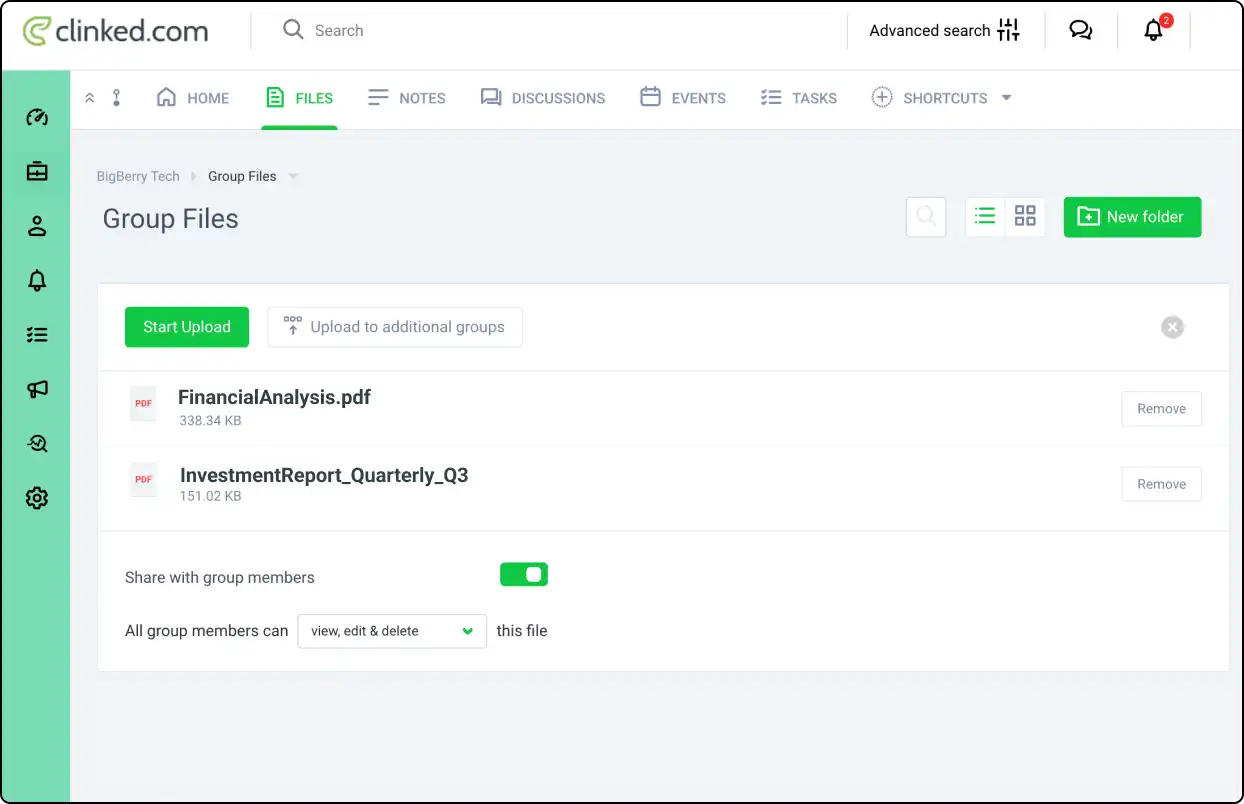
Consolidate all documents in one secure, cloud-based platform. With Clinked, access and organize files effortlessly, enhancing team collaboration and document accessibility.
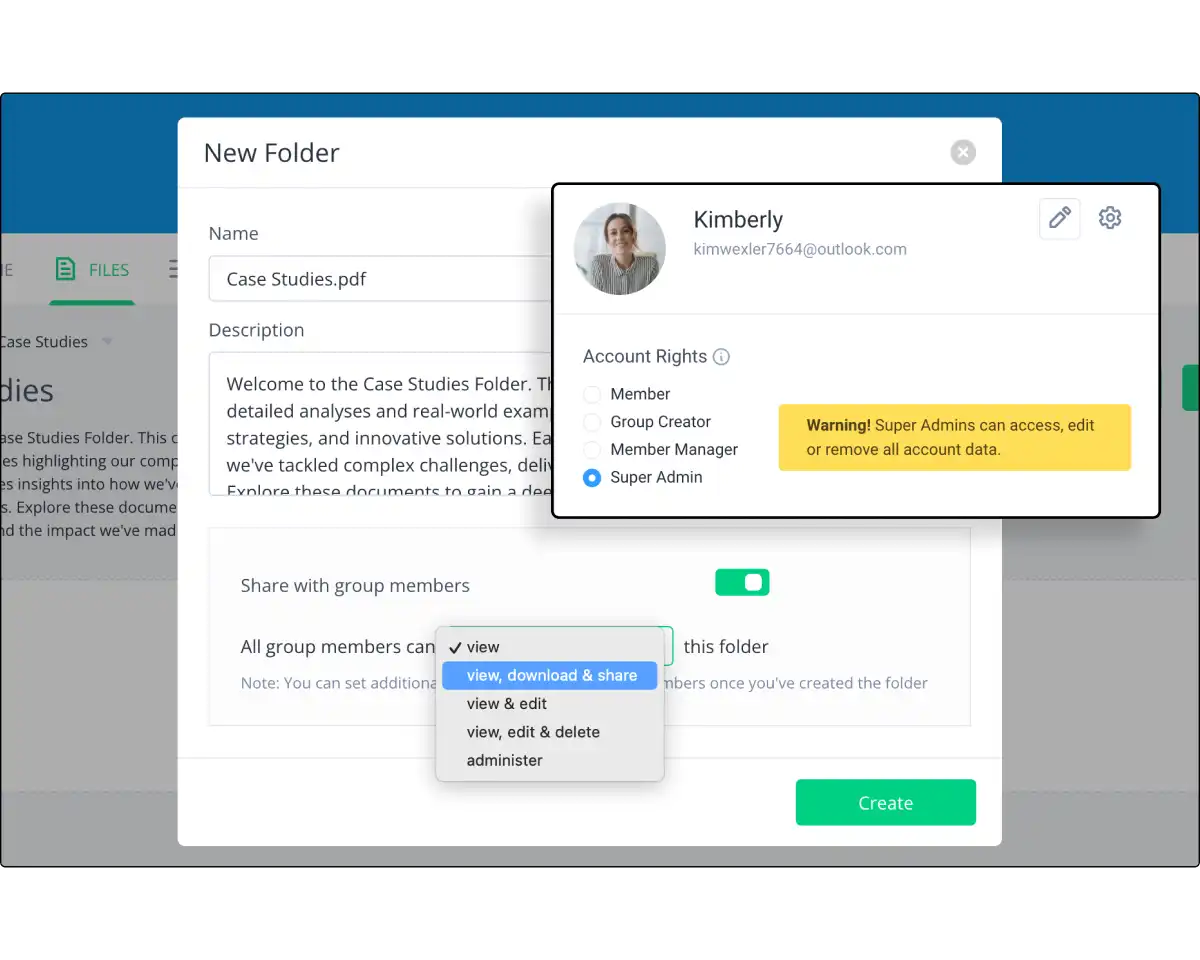
Protect documents with end-to-end encryption, two-factor authentication, and customizable access permissions. Clinked ensures your data remains confidential and secure.

Reflect your brand with Clinked’s white-label options, including custom logos, colors, and URLs. Create a seamless, branded experience for clients and internal teams.

Work collaboratively with teams and clients in real time. Features like commenting, version tracking, and notifications make document collaboration smooth and efficient.

Clinked’s responsive design allows for document management across desktops, tablets, and mobile devices, so teams can stay connected and productive from anywhere.


Leverage tools designed to simplify document storage, enhance collaboration, and keep your data secure—all in a fully digital, organized platform.

Use @Mentions to boost collaboration. Notify team members instantly and increase visibility in their Activity Stream and email.

Follow content updates via email notifications. Easily filter activities, manage preferences, and stay connected with team updates.

Impress clients with Clinked’s white-label options. Match your portal with your corporate branding for a cohesive experience.

Upload large files up to 5GB directly to Clinked. Start with 1TB of storage, making file management simple and efficient.

Instantly view files without downloads. Clinked’s instant viewing feature provides quick access for seamless collaboration.
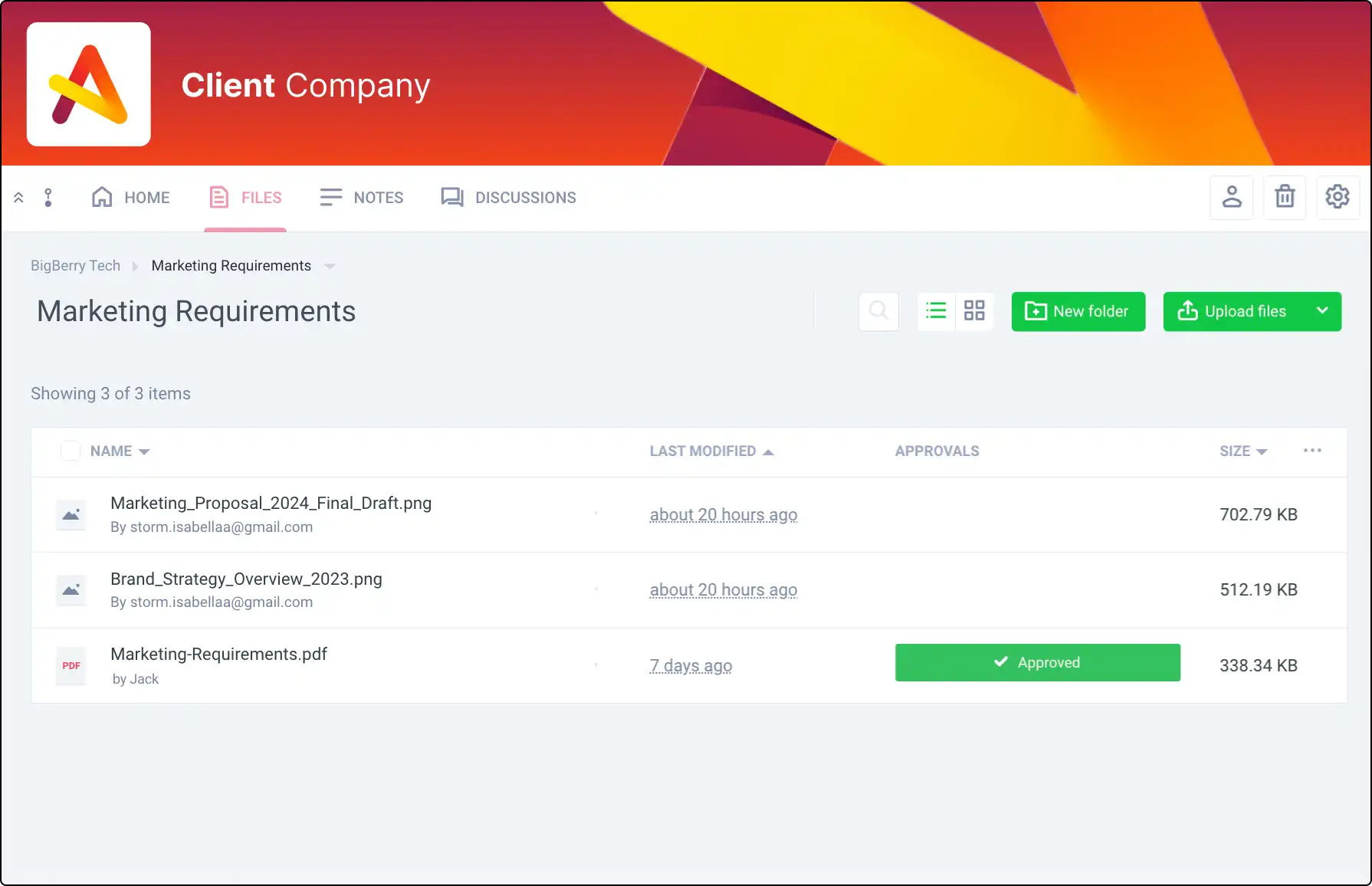
Manage document sign-offs efficiently. Track approvals or rejections within Clinked to ensure everyone is on the same page.
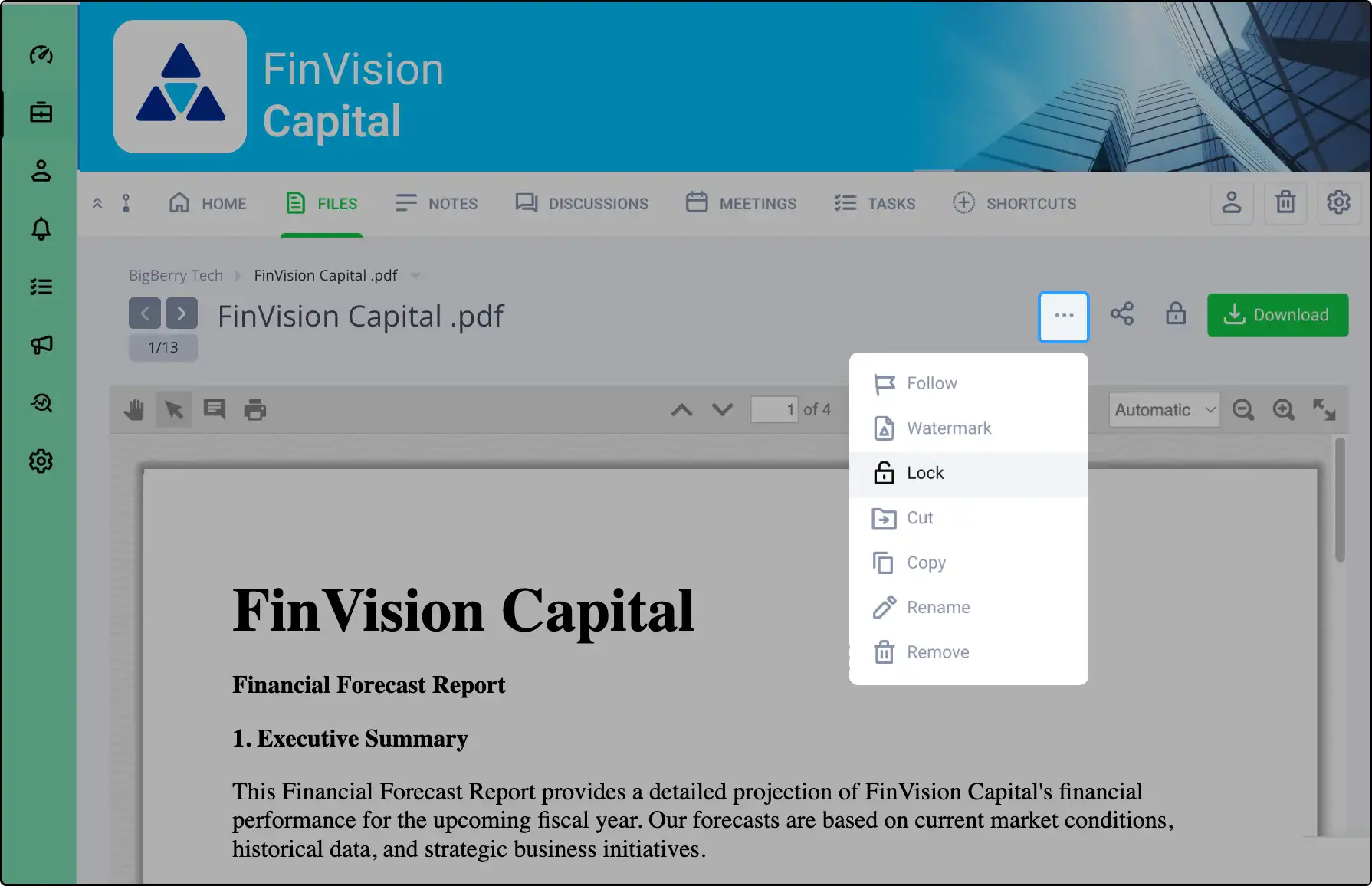
Lock files to prevent changes during edits. Maintain document integrity and control with Clinked’s file locking feature.
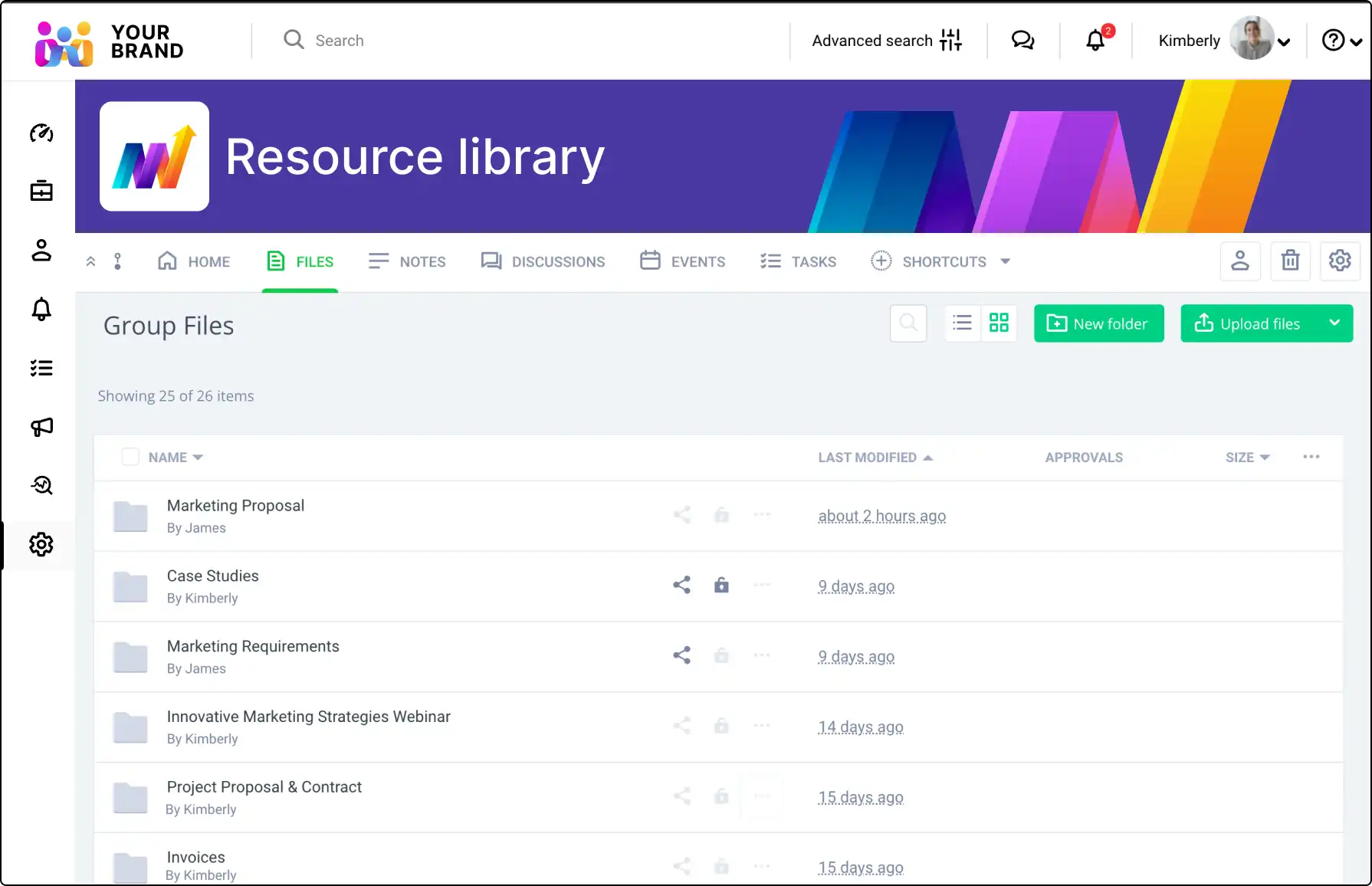
Use File Request to collect files securely from non-members. Allow uploads directly to Clinked for efficient handling.

Use Acrobat Sign integration for quick, secure document signing and storage in Clinked, ensuring compliance and efficiency.

Monitor real-time updates in your portal with the Activity Stream. Stay informed about uploads, comments, tasks, and more.

Offer a branded mobile app with Clinked’s white-label option, enabling seamless collaboration on the go for your clients.
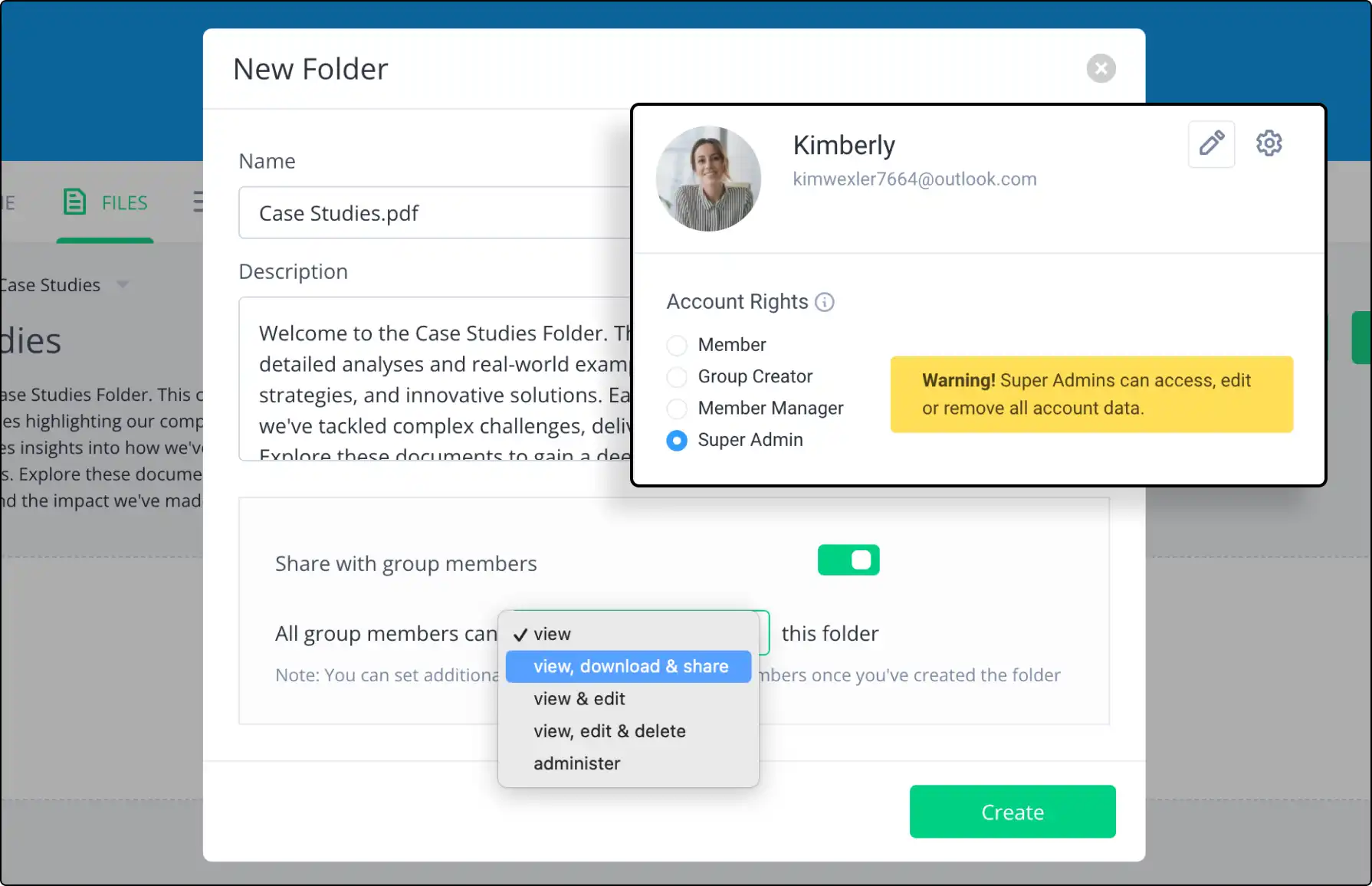
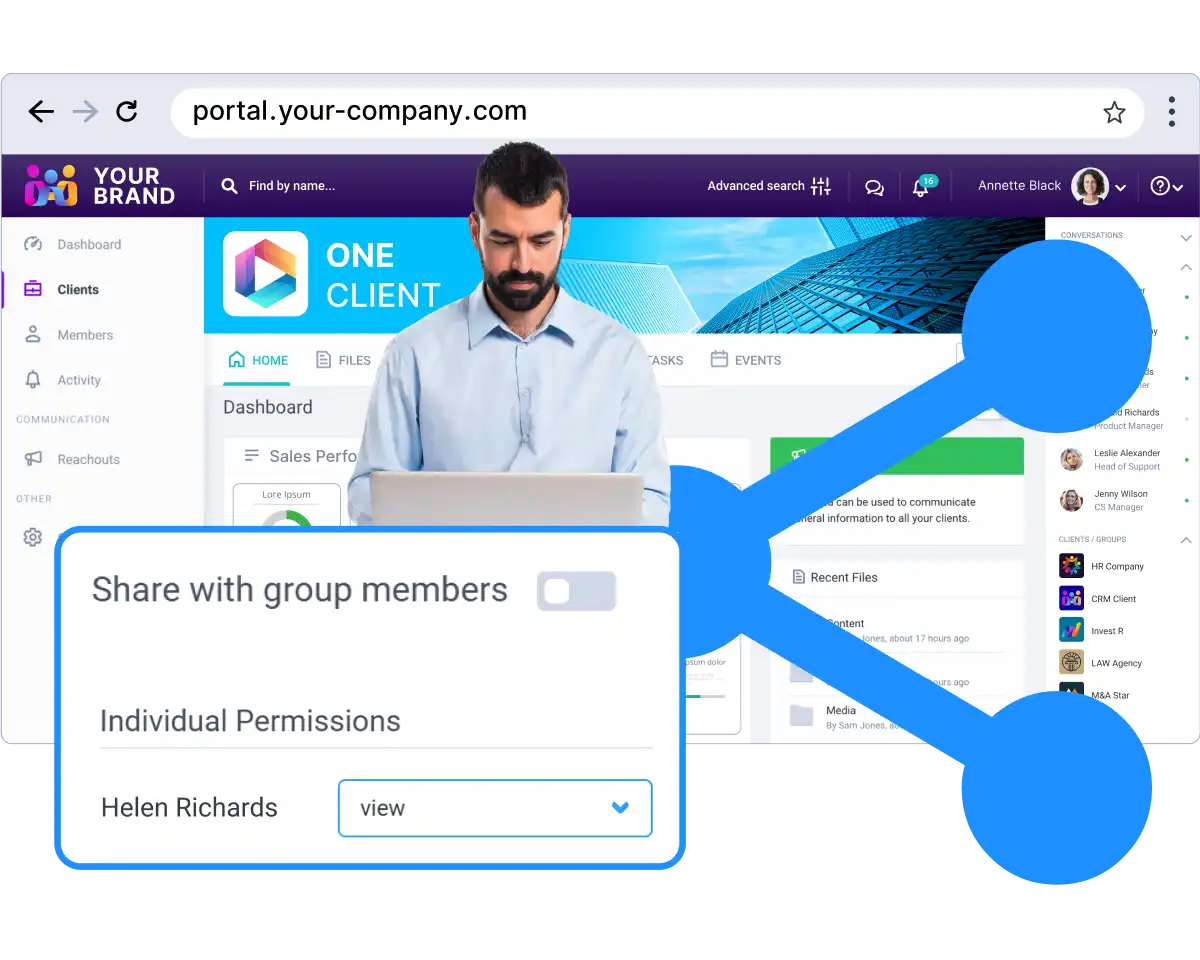
Set specific access permissions for group content. Ensure proper access levels while maintaining control and security.






See how content collaboration portals boost teamwork, document sharing, and project management for creative teams.
A client portal is a secure online workspace where a business and its clients can share documents, communicate, manage tasks and access important information in one place. Client portals are commonly used by professional services firms, agencies, consultants and client-facing teams.
Client portal software helps businesses create secure digital workspaces for clients. It usually includes file sharing, messaging, permissions, notifications, branding, document management and collaboration tools.
A secure client portal is a client-facing workspace designed to protect sensitive information. It typically includes secure login, access permissions, encrypted file sharing, user controls, audit trails and data protection features.
Yes. Clinked can be used as a secure client portal for sharing files, managing communication, collaborating with clients and organising client workspaces. It supports branded portals, permissions, document sharing and secure collaboration.
Yes. Clinked supports white-label and branded client portals, including custom branding and client-facing workspaces. This helps businesses give clients a secure portal experience that matches their own brand.
Yes. With Clinked, businesses can create custom-branded client portals with their own branding, client workspace structure and secure access controls.
Clients can usually access shared documents, upload files, communicate with the business, review updates, collaborate on tasks and find important information in one secure workspace. The exact access can be controlled by the business.
A client portal provides a more controlled and branded experience than email or standard file-sharing tools. It combines secure file sharing, communication, permissions, notifications and collaboration in one workspace, instead of spreading client work across multiple tools.
Yes. A client portal can be used for secure client file sharing, document uploads, approvals and ongoing document exchange. Permissions help control which clients or users can access each file or folder.
Client portals are used by accountants, law firms, consultants, agencies, financial services firms, property teams and other businesses that need to share information and collaborate securely with clients.
Yes. External clients can be invited into a Clinked portal and given controlled access to the documents, discussions, tasks or updates that are relevant to them.
Yes. Consultants can use a client portal to share deliverables, collect files, manage updates, communicate with clients and keep project information organised in one secure workspace.